
GIF Background Remover
Remove background from any animated GIF in seconds — frames, timing and loop stay intact.
Drop your GIF here
GIF, APNG or animated WebP · 10 MB and 150 frames before automatic adjustments
Auto handles both simple and complex backgrounds.
Starting tool…
Before & after

Key features
- Keep the original animation
- GIF Alpha processes each frame and preserves the original frame delays, loop count, and canvas size.
- Refine tricky edges
- Use Fine detail for hair, Trim edge for an outline, and Feather for a softer transition. Check the first, middle, and last frames before you export.
- Choose from three formats
- Download a GIF for broad compatibility, or use APNG or animated WebP to retain partially transparent pixels.
- Start immediately
- The GIF background remover is free and works without an account. Drop a file, check the cutout, and download the animation.
At a glance
| Feature | GIF background remover |
|---|---|
| Input formats | GIF, APNG, and animated WebP |
| Output formats | Transparent GIF, APNG, and animated WebP |
| File limit | 10 MB per file before automatic resizing |
| Frame limit | 150 processed frames per file |
| Free use | Free, one file at a time |
| Keeps animation | Yes, including frame delays and loop count |
| Login required | No |
AI cutout vs color-key removal
This GIF background remover uses AI cutout for complex scenes and color-key removal for white and near-white backdrops. Auto chooses a method for the clip, and you can switch it after upload.
| What to compare | AI cutout | Color-key removal |
|---|---|---|
| Best for | People or distinct objects in textured scenes. | Uniform studio backdrops with a clear color difference at the outline. |
| Edge quality | A model estimates the subject boundary. It can miss details or shift between frames. | Edges are predictable when colors differ. Pale clothes or motion blur can blend into a light backdrop. |
| Partial transparency | Matting models can estimate fractional coverage for hair or motion blur. | A basic key gives a hard mask. Edge refinement can recover partial coverage for some pixels. |
| Processing time | Model inference adds work on every frame. | Color comparisons generally take less work, especially on a flat background. |
Why transparent GIFs look jagged — and how to fix it
GIF has 1-bit transparency. Edge pixels must be fully opaque or fully transparent, so curves and fine details can look stair-stepped. APNG and animated WebP support 8-bit alpha, giving each edge pixel up to 256 opacity levels.
Preview the cutout on a dark background to spot white fringes. Then export APNG or animated WebP from the GIF background remover to preserve soft edges.
- GIF
- Use GIF when your destination requires it. Trim a visible outline before export.
- APNG
- Choose lossless animated PNG when you need soft edges and precise color.
- WebP
- Use animated WebP for smooth edges in browsers and apps that support it.
3 use cases
Stickers and memes
Use the GIF background remover to turn a surprised reaction into a chat sticker. The cutout keeps the motion and can sit over a conversation.


Footage by Pavel Danilyuk
Live streams and video overlays
Put a presenter over a live stream or video layout. APNG and animated WebP can keep soft edges around glasses, hair, and hands.


Footage by Antoni Shkraba
Web and app motion
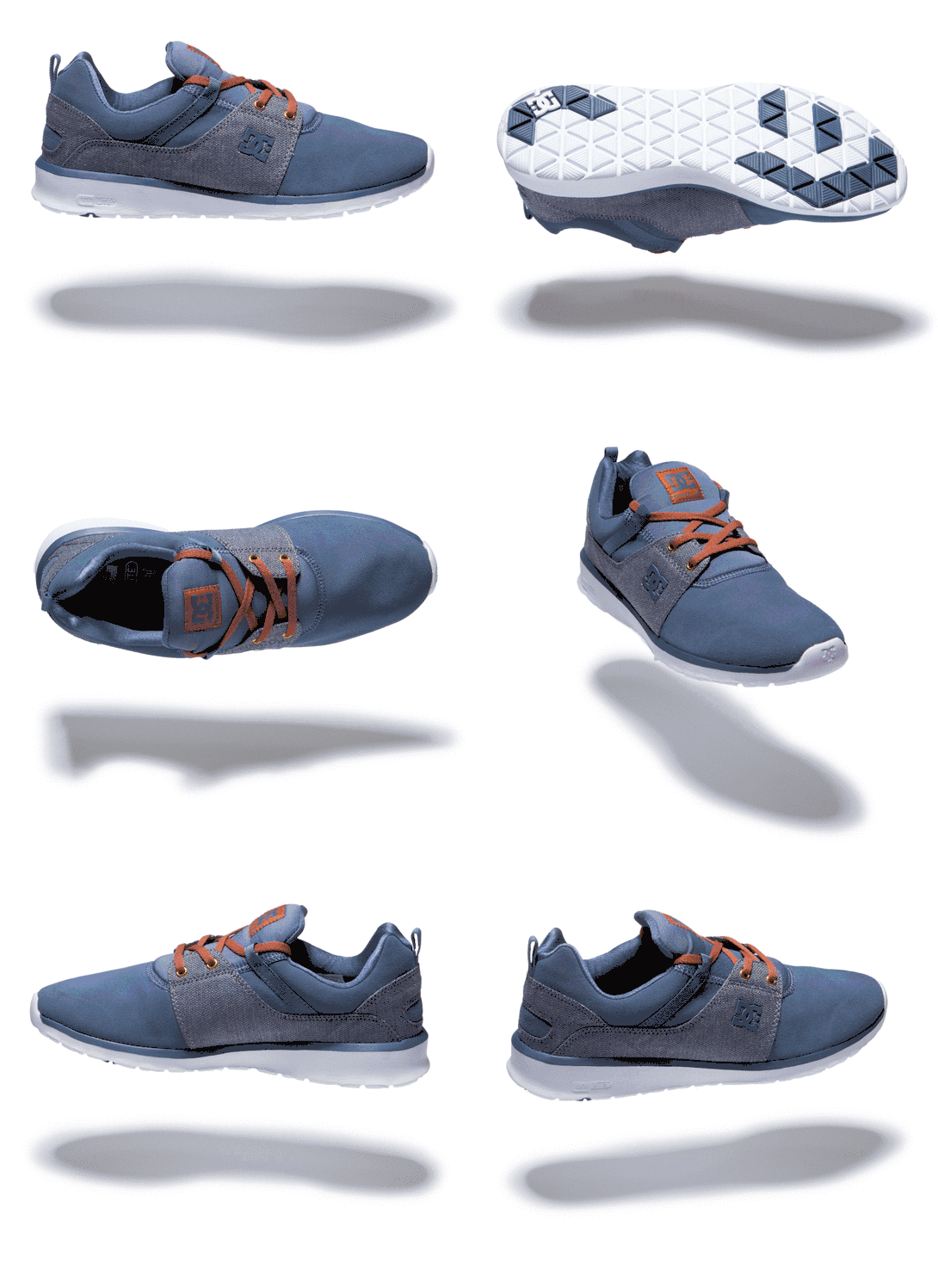
Remove background from GIF assets for product pages and interfaces. A rotating sneaker can sit on your page color with its motion intact.

Footage by Karldmartini · CC BY-SA 4.0

How to remove the background from a GIF in 3 steps
Upload your GIF
Drag a file into the GIF background remover or choose it from your device.
Check the automatic cutout
The tool works frame by frame to remove GIF background colors. Preview the cutout and adjust the edges if needed.
Choose a format and download
Keep GIF for compatibility or download APNG or animated WebP for smoother transparency.
FAQ
Does removing the background keep my GIF animated?
Yes. Every frame is processed individually and then re-assembled with the original frame delays, loop count and canvas size, so the finished GIF plays exactly like the source file — just with a transparent background instead of the old one.
How large a GIF can I upload?
Up to 10 MB and 150 frames at the original settings. Larger files are processed at a reduced resolution of up to 720 pixels on the longest side. Animations over 150 frames are also streamlined to 150 frames while keeping their total duration.
Is it free? Do I need to sign up?
It is free and there is no account, no email and no watermark. Drop a GIF onto the page and download the result — you never leave the tool to register.
Why does my transparent GIF look white, black or flickering in a preview?
Almost always the viewer, not the file. GIF stores transparency as a single on/off bit, and many previewers — Windows Photos, some chat apps, social uploaders — render that transparent area as white or black. Open the file in a browser tab or an editor that supports transparency and the background will be gone. If you need real soft, semi-transparent edges, export APNG or animated WebP instead.
Can I process several GIFs at once?
The GIF background remover currently processes one file at a time. Download your result, then choose another GIF.
Why are the edges of my cut-out GIF jagged?
Because GIF has only 1-bit transparency: each pixel is either fully opaque or fully invisible, so any soft edge collapses into a hard, stair-stepped line. Two fixes: enable edge refine (feathering and matte cleanup) before exporting, or switch the output to APNG or WebP, which support 8-bit alpha — 256 levels of transparency — and give you smooth edges.
Can I put a different background behind the cut-out?
You can preview the cutout on a white, dark, or checkerboard background. To export the animation with a new color or image behind it, download the transparent result and place it over your chosen background in an editor.
What happens to my files after processing?
Your browser holds the selected file and results while you use the tool. Choosing another file or closing the page releases them. Downloads stay on your device until you delete them.
Does it work on a phone?
Yes. Uploading, previewing and downloading all work in mobile Safari and Chrome; large GIFs are easier to handle on a desktop.
Are my files uploaded to a server?
No. All processing happens in your browser. Your GIF stays on your device. There is no account and no upload history.